3D Architectural Walkthrough
Create a camera journey through a building or interior.
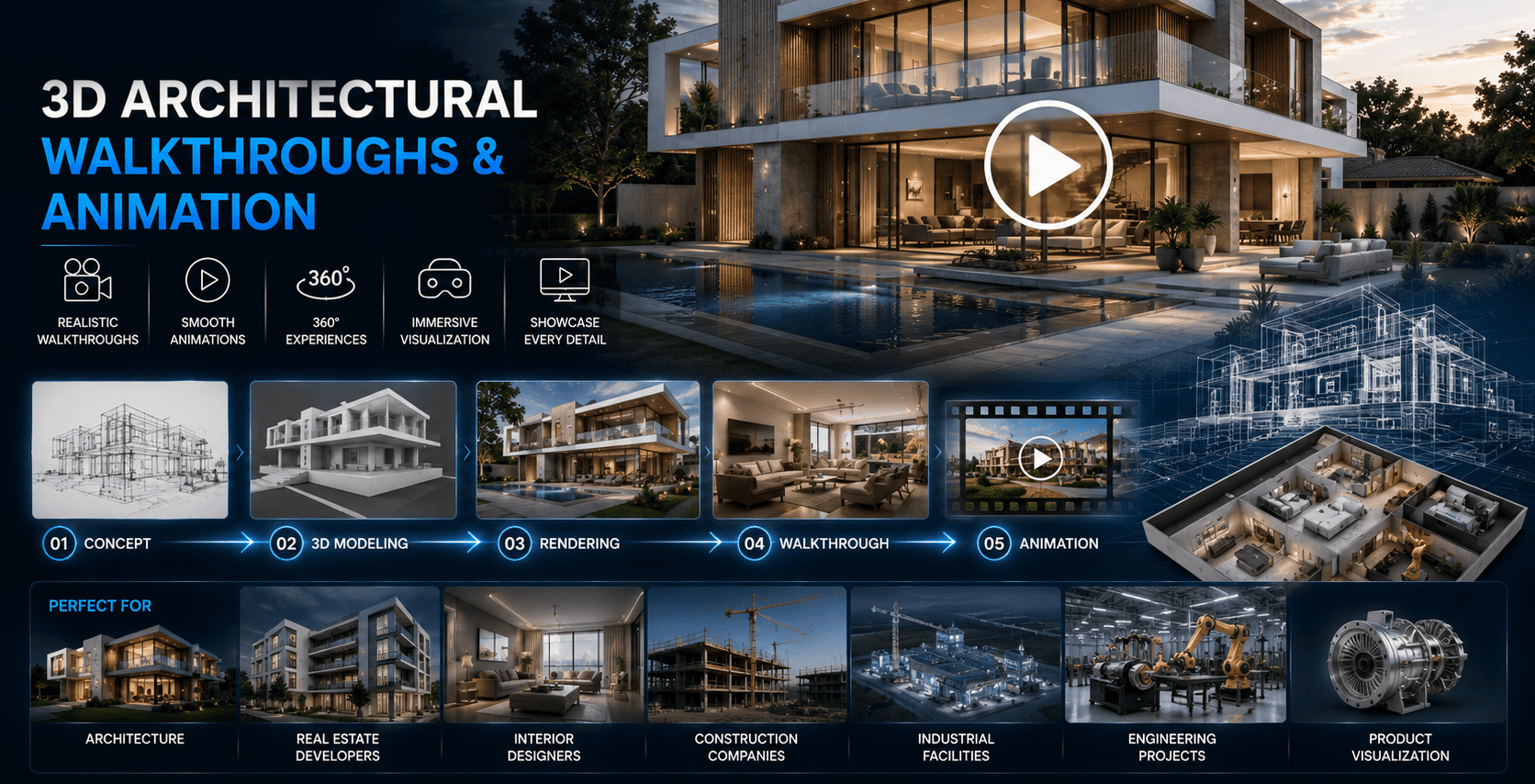
Turn architectural designs and 3D models into immersive walkthroughs, flythroughs and cinematic architectural animations.
At Messenger2050 ArchViz, we create professional 3D architectural walkthroughs, flythroughs, property animations and development visualization videos that allow viewers to experience a building or development before it exists in the physical world — moving through the space, approaching the building and exploring the architecture.
From a residential villa to a high-rise development, hotel, resort, commercial complex or large master-planned community, we create animation that communicates the project through camera movement, architecture, materials, lighting, landscape, interiors and environment.
A conventional architectural render provides a single viewpoint.
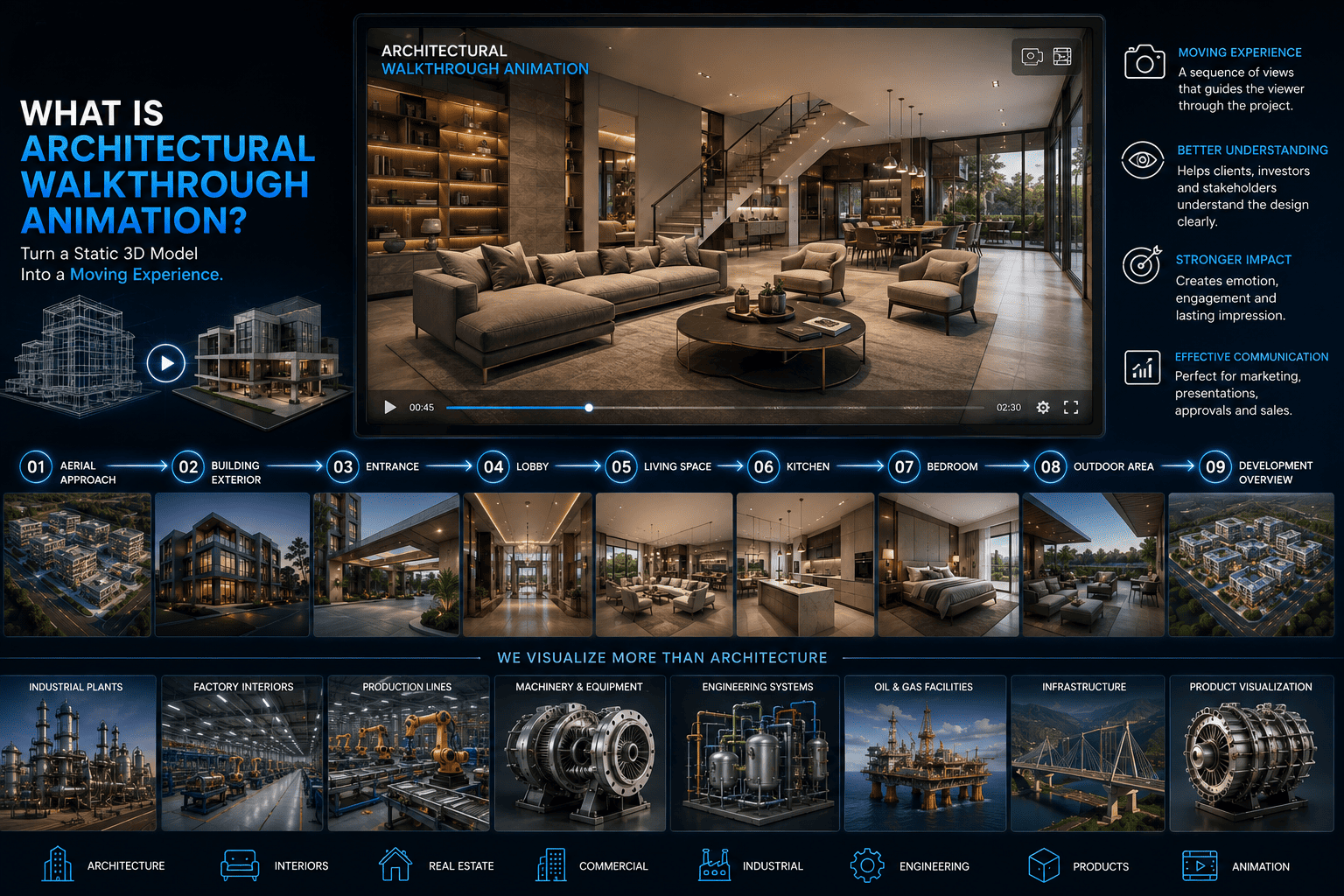
An architectural walkthrough creates a sequence of views that takes the viewer through the project. For example:
This creates a visual journey through the proposed architecture.
Create a camera journey through a building or interior.
A flythrough focuses on moving around or through the architecture, often using exterior camera movements.
Create promotional animations specifically for property marketing.
For large developments, we can create animations showing:
Create cinematic aerial movements around a building or development.
Experience the Building From the Outside.
Exterior animation can guide viewers around the architecture.
A sequence may include:
Exterior animation can highlight architectural form, materials, landscape and environmental context.
Move Through the Interior Before Construction.
Interior walkthroughs allow viewers to experience the proposed space.
A typical sequence could move through:
The route can be designed according to the project's layout and intended presentation.
Experience the Future Home.
We create walkthroughs for:
The animation can combine interior and exterior sequences into one property film.
Present Commercial Projects Before Completion.
Animation can communicate:
A commercial animation can show the building from the exterior before moving into selected interior areas.
Show the Guest Experience Before Opening.
Hospitality properties can benefit from cinematic visualization.
We can animate:
The animation can be structured as a guest journey, rather than simply a technical camera movement.
Turn the Development Into a Story.
Large developments require more than a simple walkthrough.
A development film can tell a story such as:
This approach is particularly useful for property launches and investor presentations.
Watch the Development Come Together.
Master-plan animation can visualize the overall development from an aerial or elevated perspective.
It can show:
For phased projects, animation can also communicate how the development is expected to evolve.
Animate the Early Design Concept.
Not every project requires fully detailed photorealistic animation.
For projects in the early design stage, we can create animations focused on:
This can be useful for concept presentations and early-stage design communication.
Show the Project Transform Throughout the Day.
A single animation can transition between different lighting conditions.
For example:
This can demonstrate:
Show How People Experience the Space.
Architecture becomes more understandable when viewers see how it is intended to be used.
Depending on the project, animation can include:
The objective is to create a sense of scale, activity and lifestyle without distracting from the architecture.
Architecture Presented Like a Film.
For major developments and premium properties, we can create cinematic sequences using:
The final result can be structured as a promotional architectural film rather than a simple technical walkthrough.
Focus on What Makes the Design Different.
Short animation sequences can highlight:
These clips can be used independently for marketing or incorporated into a larger project film.
Show Architectural Materials in Motion.
Where relevant, animation can highlight:
Movement, lighting and close-up camera work can help communicate the appearance and relationship of different materials.
Bring the Floor Plan to Life.
A 3D floor plan can become an animated presentation.
Possible sequences include:
This can help viewers understand complex layouts and multi-room properties.
Reveal What Is Inside.
For complex buildings, a camera can move through or around a cutaway representation.
This can reveal:
This format can be particularly useful for large buildings and educational or presentation purposes.
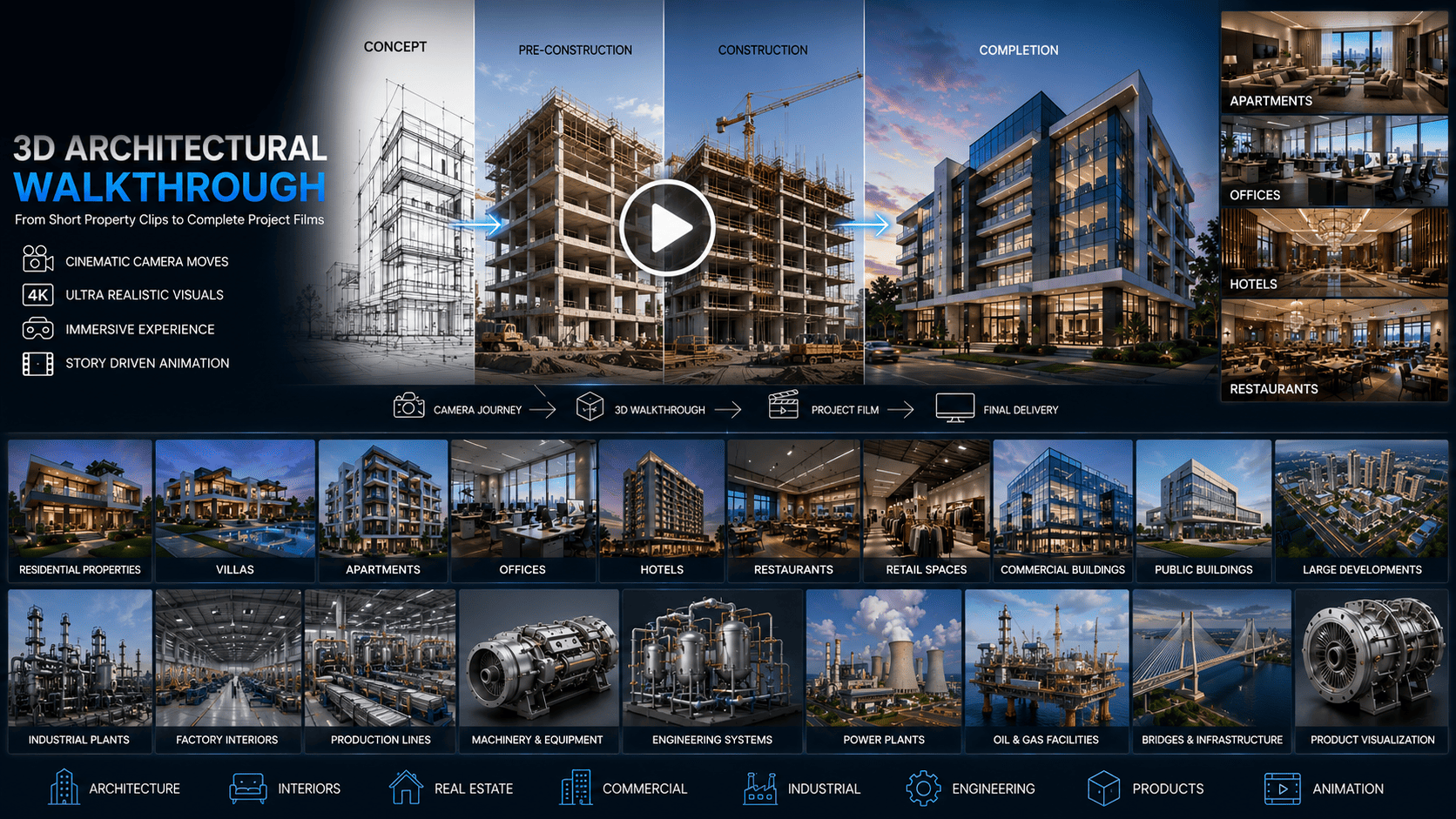
Show the Project From Concept to Completion.
For selected projects, animation can illustrate a conceptual development sequence such as:
This type of animation can help communicate a project's development vision and timeline conceptually.
The exact technical accuracy of construction-stage animation depends on the supplied project information.
Communicate the Development Vision.
Investors often need to understand the bigger picture.
A development animation can visually communicate:
This can become part of an investor presentation or development proposal.
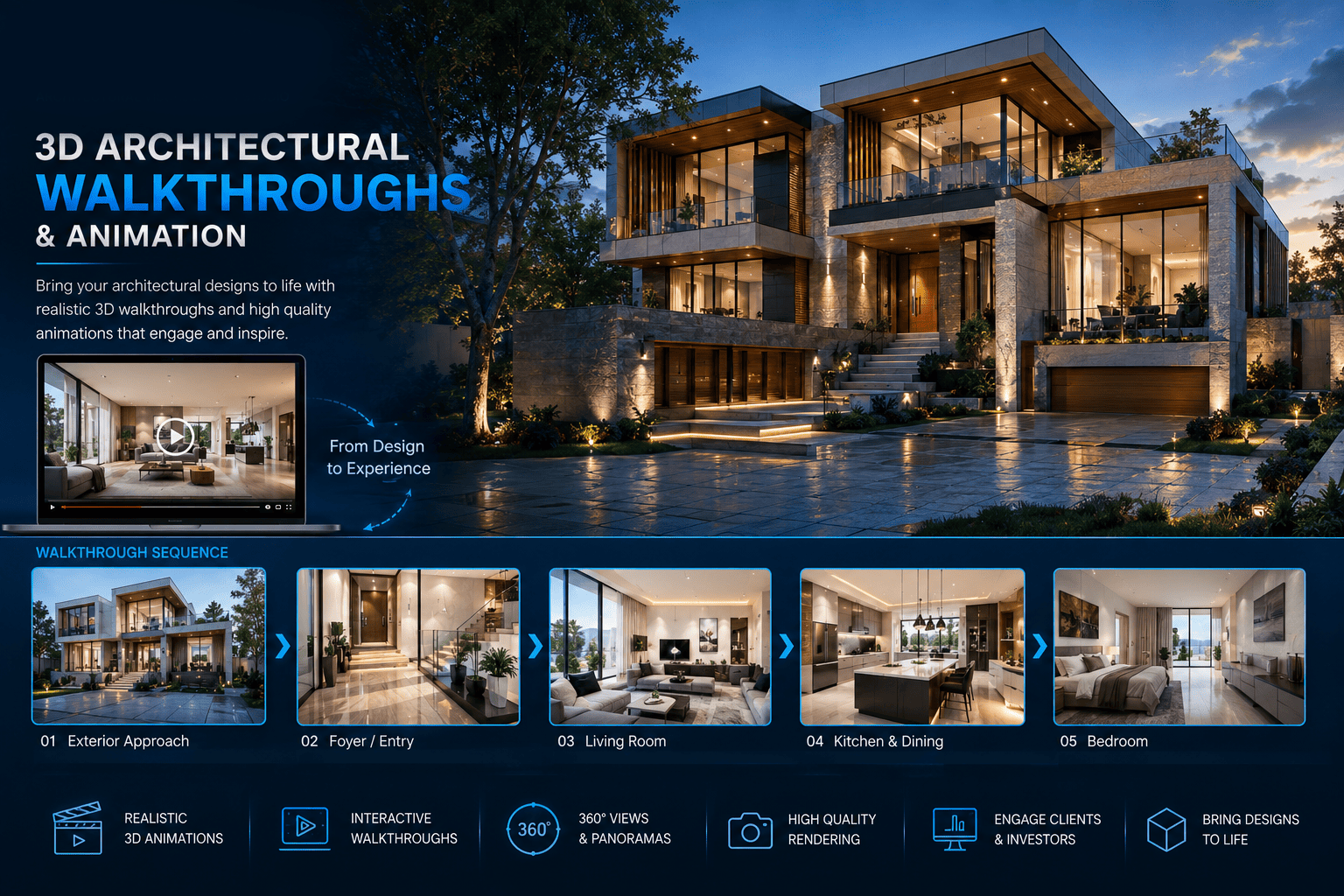
Animations can be used across:
Hero videos and project introduction sequences.
Short promotional clips and vertical campaign content.
Video advertising and campaign assets.
Large-screen development presentations.
Project launch films.
Development vision videos.
Architectural and design presentations.
A complete architectural animation does not have to become one long video.
From the same 3D environment, shorter clips can be created for:
This allows one visualization project to support multiple marketing channels.
For larger developments, a longer presentation film can combine multiple sequences.
Project title and location.
Context and surrounding environment.
Aerial overview.
Building exterior.
Selected spaces.
Lifestyle facilities.
Complete development.
Hero view and project identity.
We can work from an existing 3D model or develop the required environment through our visualization workflow.
Understanding the Objective
We establish:
Reviewing What You Provide
We review:
And determine what is available for production.
Building the Environment
We create or prepare the architectural environment. This may include:
Developing the Surface Language
We establish the appearance of architectural and interior surfaces.
Setting the Atmosphere
We establish the required lighting conditions and atmosphere.
Designing the Camera Route
This is one of the most important stages of architectural animation. The camera movement should communicate the architecture rather than simply move randomly through the model.
Breaking the Film Into Shots
For larger projects, the animation can be divided into individual shots. For example:
Reviewing the Direction Early
A lower-resolution preview can be created to evaluate:
Refining the Approved Direction
The agreed changes are incorporated according to the project's scope.
Producing the Delivered Film
The approved animation is rendered at the required quality.
Assembling the Final Sequence
Where included in the project, the final sequence can be assembled with:
Exporting for Your Platform
The completed animation is exported according to the agreed delivery requirements.
Depending on the project, we can prepare:
Longer-form movement through the property.
Exterior-focused architectural movement.
Story-driven property or development presentation.
Large-scale development overview.
Short-form architectural content.
Professional content for investors, clients and stakeholders.
Visual content designed for online property presentation.
Architectural projects can be presented in different formats depending on the platform.
Possible content formats include:
The exact output format can be established at the beginning of the project.
Best when the viewer needs to experience the interior.
Best when the focus is the exterior architecture and development.
Best when the project needs both.
Present architectural concepts and completed designs through immersive animation.
Market future properties before construction is complete.
Communicate proposed projects to clients and stakeholders.
Present complete interior concepts through walkthroughs.
Create promotional videos for property launches.
Present the future guest experience.
Communicate development opportunities through visual storytelling.
Your architectural model can move from:
Camera movement is planned to communicate the architecture, spaces and project story.
Animations can be developed for both professional presentations and commercial marketing.
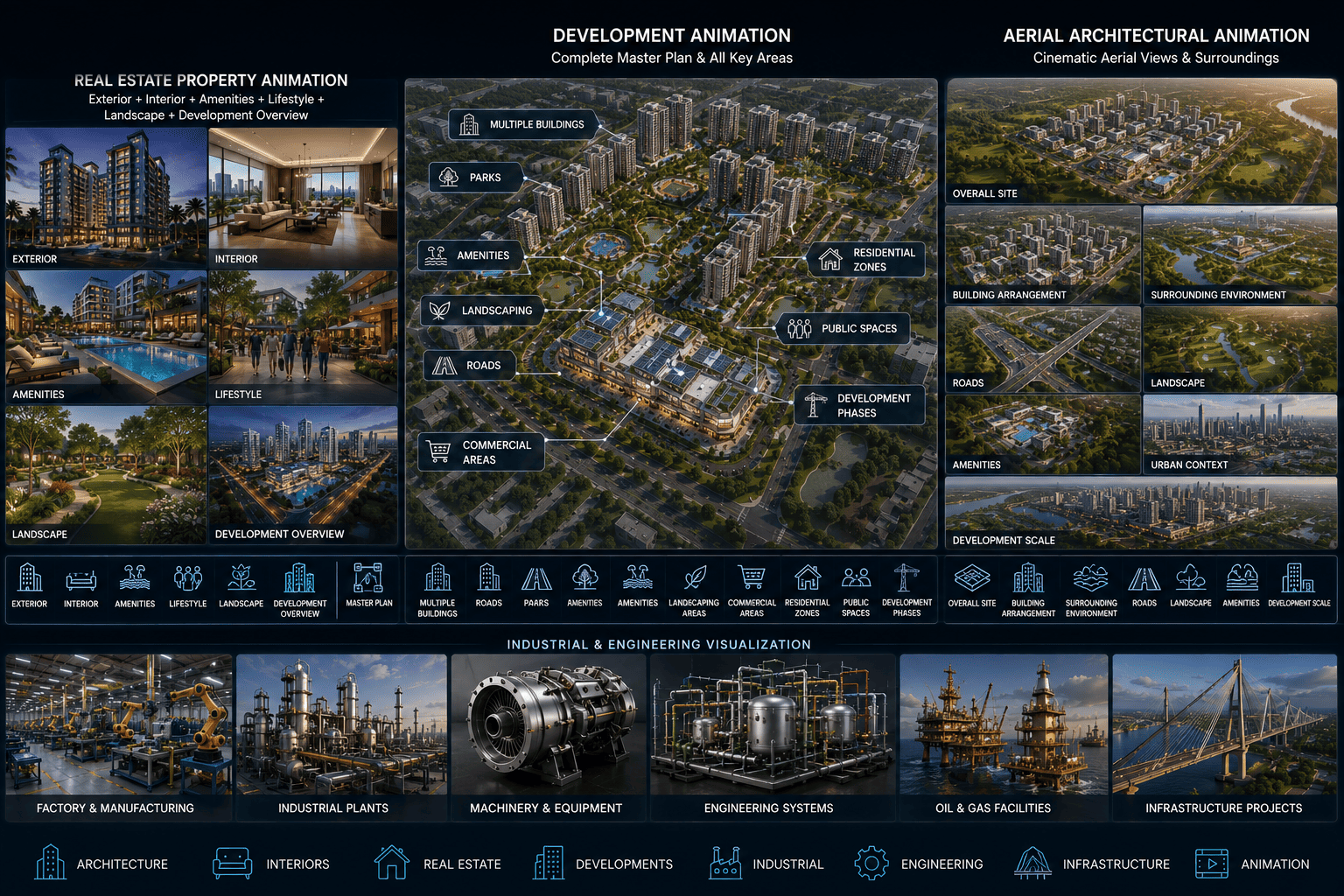
The same project can produce:
Messenger2050 Technologies combines 3D visualization, animation and media production, allowing architectural projects to extend beyond static CGI.
Projects can range from a short property clip to a complete development film.
This workflow allows your architectural information to develop into a complete visual experience.
Whether you have a floor plan, CAD drawings, complete 3D model, architectural design or only an early-stage concept, send us your project information.
We'll review your requirements and recommend the appropriate walkthrough or animation approach.
Camera sequences and walkthroughs produced for presentation, sales and social content.