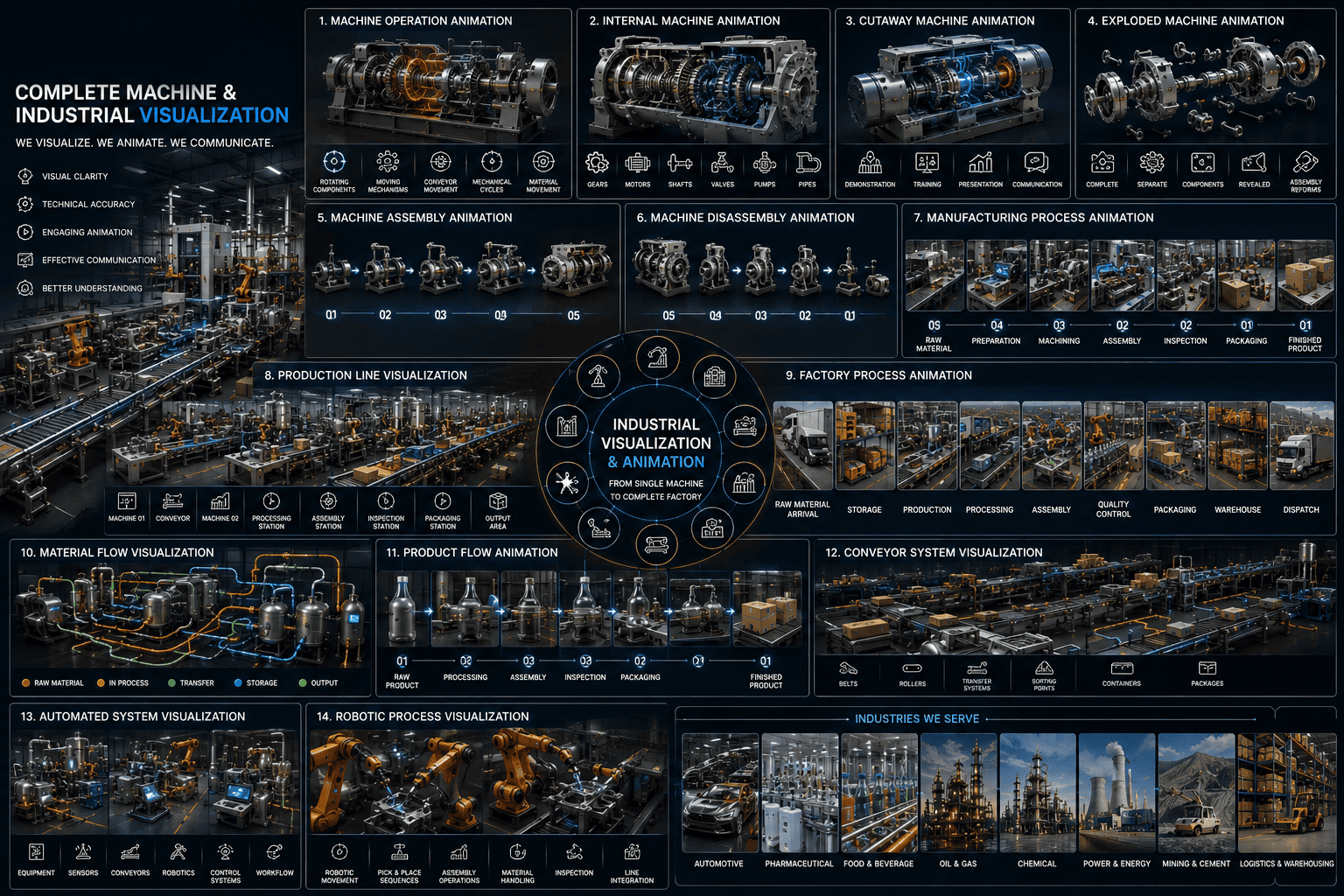
01What is Industrial Process Visualization?
Turn Complex Industrial Operations Into Visual Experiences.
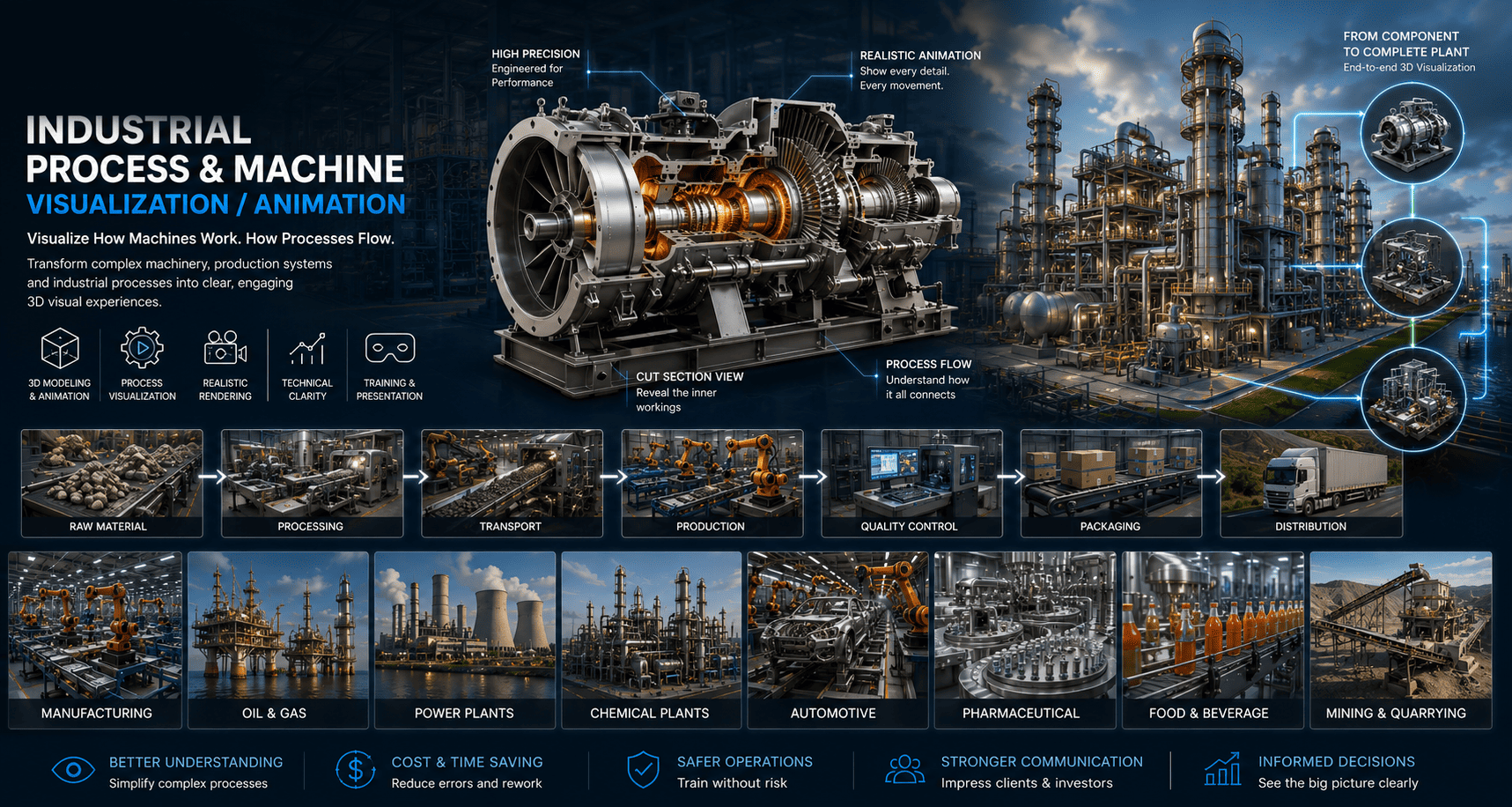
Industrial process visualization uses 3D models, animation, environments, camera movements and visual explanations to communicate how an industrial system operates.
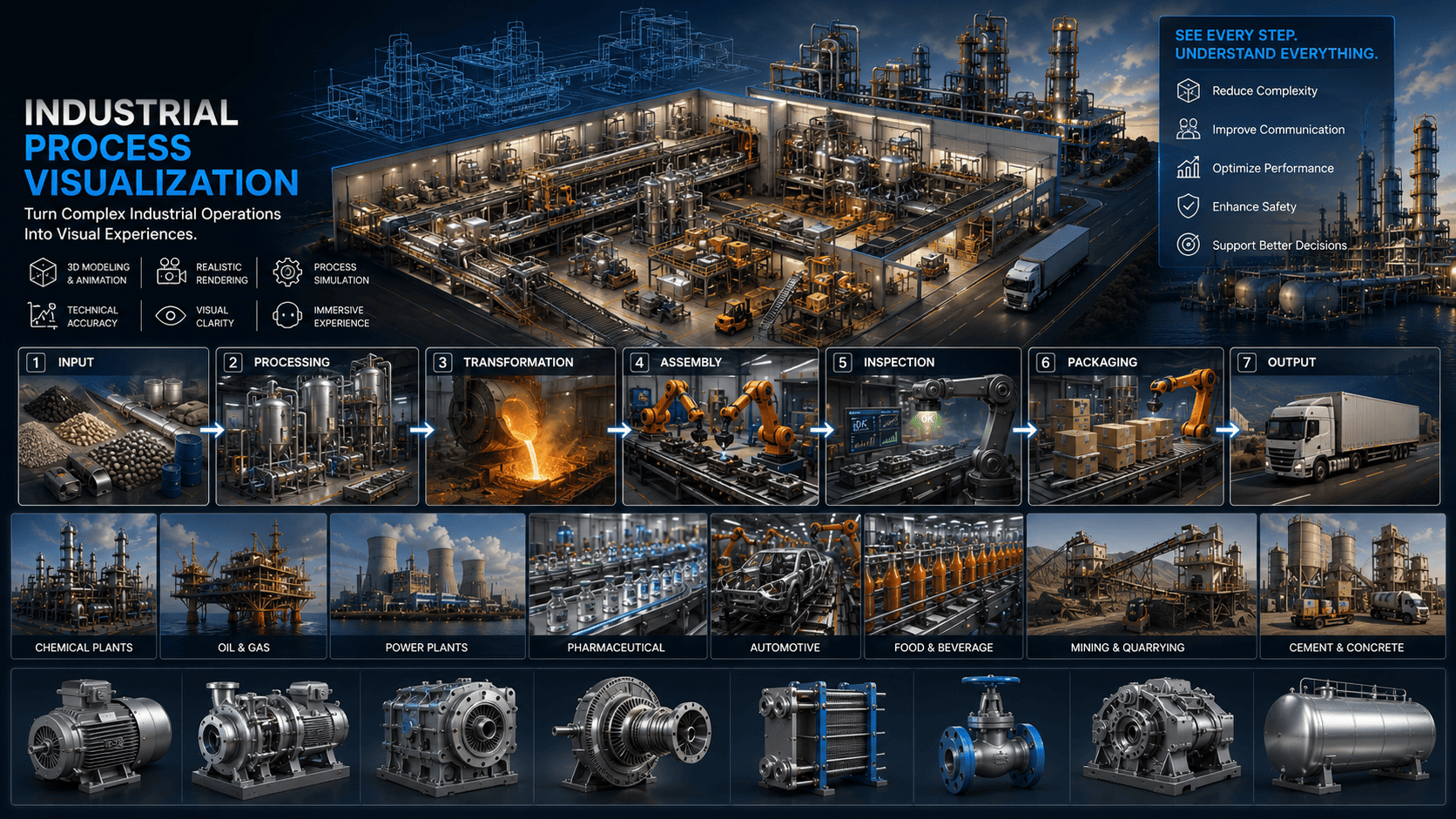
A process can be presented as:
Instead of explaining every stage through technical text, viewers can see the process visually.
InputProcessingTransformationAssemblyInspectionPackagingOutput
02What WE Visualize
From Individual Machines to Complete Production Systems
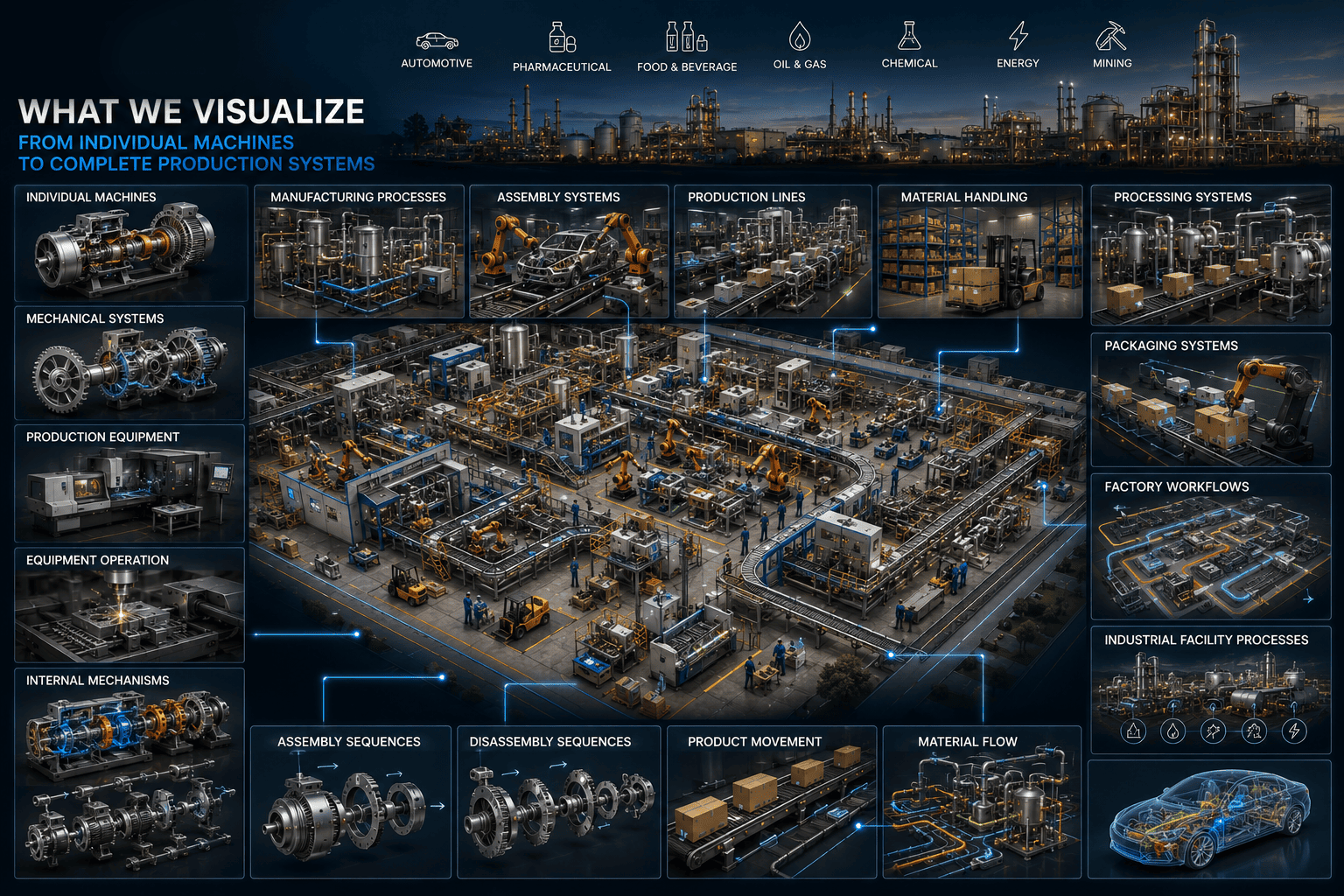
Our industrial visualization and animation services can cover:
Individual machinesMechanical systemsProduction equipmentManufacturing processesAssembly systemsProduction linesMaterial handlingProcessing systemsPackaging systemsFactory workflowsEquipment operationInternal mechanismsAssembly sequencesDisassembly sequencesProduct movementMaterial flowIndustrial facility processes
03Machine Operation Animation
Show the Machine in Motion.
A static machine render can show what the equipment looks like.
Animation can show what it does.
We can visualize selected machine operations such as:
The animation is developed according to the available technical information and the intended communication objective.
Rotating componentsMoving mechanismsOpening and closing systemsConveyor movementMechanical cyclesComponent interactionMaterial movementProduct loadingProduct unloadingOperating sequences
04Internal Machine Animation
Reveal What Happens Inside.
Many industrial mechanisms cannot be seen while a machine is operating.
We can use 3D visualization techniques to reveal internal operation.
For example:
This can help explain:
External MachineHousing Becomes Transparent / CutawayInternal Components RevealedMechanism Starts MovingProcess Becomes VisibleGearsMotorsShaftsValvesPumpsChambersPipesMechanical assembliesInternal product movement
05Cutaway Machine Animation
See Inside Without Opening the Machine.
Cutaway animation selectively removes or hides portions of the machine to reveal internal components.
This can be useful for:
The level of technical detail depends on the information supplied.
Machine demonstrationsProduct presentationsTechnical trainingSales presentationsEngineering communicationEducational content
06Exploded Machine Animation
Show How the Machine Is Built.
An exploded animation separates components from the main assembly while maintaining their spatial relationships.
For example:
This can make complex equipment much easier to understand.
Complete MachineHousing SeparatesInternal Assembly RevealedComponents SeparateIndividual Parts VisibleAssembly Reforms
07Machine Assembly Animation
Show How Components Become a Complete Machine.
Assembly animation can demonstrate a conceptual or approved assembly sequence:
This can support:
Component 01Component 02 AddedComponent 03 InstalledSubsystem CompletedComplete MachineProduct presentationsTrainingInstallation conceptsManufacturing communicationTechnical marketing
08Machine Disassembly Animation
Show How Equipment Comes Apart.
Disassembly animation can visually demonstrate how selected components are removed from an assembly.
Potential applications include:
The sequence should be based on the actual product information where operational accuracy is required.
Maintenance trainingEquipment demonstrationsProduct documentationTechnical presentationsEducational content
09Manufacturing Process Animation
Explain the Complete Production Journey.
Manufacturing processes can involve many stages.
We can visualize a process such as:
This allows viewers to understand the overall workflow rather than only seeing individual machines.
Raw MaterialMaterial PreparationMachine ProcessingAssemblyQuality InspectionPackagingFinished Product
10Production Line Visualization
Show How Multiple Machines Work Together.
A production line may include multiple pieces of equipment operating in sequence.
3D animation can visualize:
The camera can move between stages while maintaining the overall process context.
Machine 01ConveyorMachine 02Processing stationAssembly stationInspection stationPackaging stationOutput area
11Factory Process Animation
Visualize the Bigger Industrial Workflow.
For larger projects, animation can cover an entire factory or industrial facility.
A sequence could show:
This provides a visual overview of the complete operational concept.
Raw Material ArrivalStorageProductionProcessingAssemblyQuality ControlPackagingWarehouseDispatch
12Material Flow Visualization
Show Where Materials Go.
Some processes are difficult to understand because the material movement happens inside equipment or between different stages.
We can visually communicate:
Where appropriate, different visual treatments can be used to distinguish stages or flows.
Material entryMaterial movementProcessingTransferStorageProduct movementOutput
13Product Flow Animation
Follow the Product From Start to Finish.
For manufacturing and processing projects, we can follow the product through the production environment.
For example:
This can be particularly useful for manufacturing presentations.
Raw ProductProcessingAssemblyInspectionPackagingFinished Product
14Conveyor System Visualization
Visualize Automated Material Movement.
3D animation can demonstrate conveyor-based systems and material movement.
Possible elements include:
Conveyor beltsRollersTransfer systemsProductsPackagesContainersSorting pointsProcessing stations
15Automated System Visualization
Explain Complex Automated Workflows.
Automation systems can involve multiple machines and stages.
Visualization can show relationships between:
The animation can focus on the visual workflow rather than serving as a substitute for engineering simulation or controls validation.
EquipmentSensorsConveyorsRobotic systemsProcessing stationsControl areasProduct movement
16Robotic Process Visualization
Show Automated Machines Working Together.
For projects involving robotics, animation can demonstrate:
Where exact motion is required, approved movement specifications or animation references should be provided.
Robotic movementPick-and-place sequencesAssembly operationsMaterial handlingAutomated inspectionMachine interactionProduction-line integration
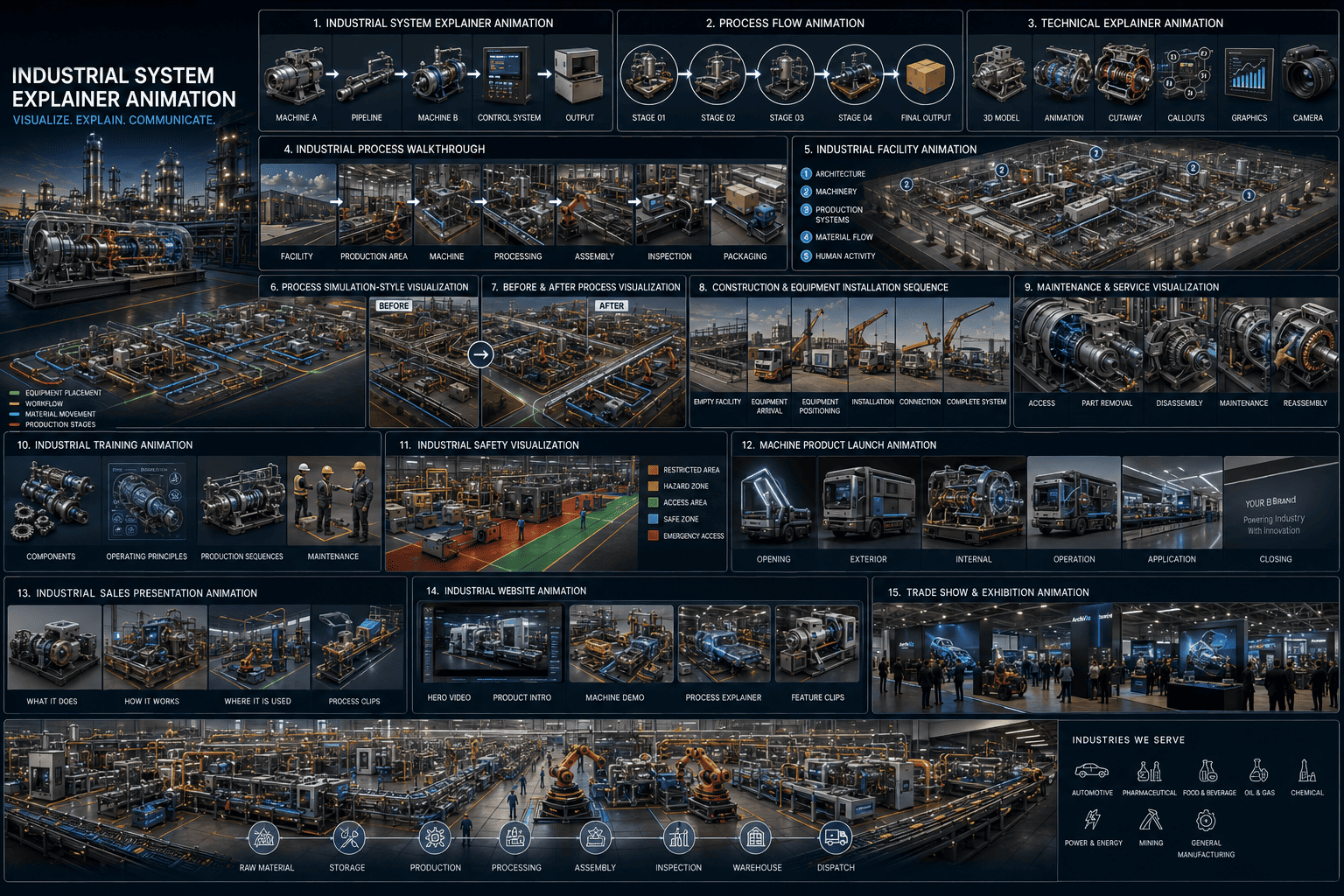
17Industrial System Explainer Animation
Make Complex Systems Easier to Explain.
Some products are not simply individual machines.
They are systems.
For example:
A 3D explainer animation can visually connect these elements into one understandable system.
Machine APipelineMachine BControl SystemOutput
18Process Flow Animation
From One Stage to the Next.
We can create visual sequences showing:
This can be combined with:
where required.
Stage 01Stage 02Stage 03Stage 04Final OutputCamera movementLabelsCalloutsArrowsComponent highlightsText overlays